Scroll Transform

How to create scroll animation in Framer (No code)

Learn how to build a smooth scroll transform animation in Framer without writing any code.

Scroll transform animation in Framer tutorial

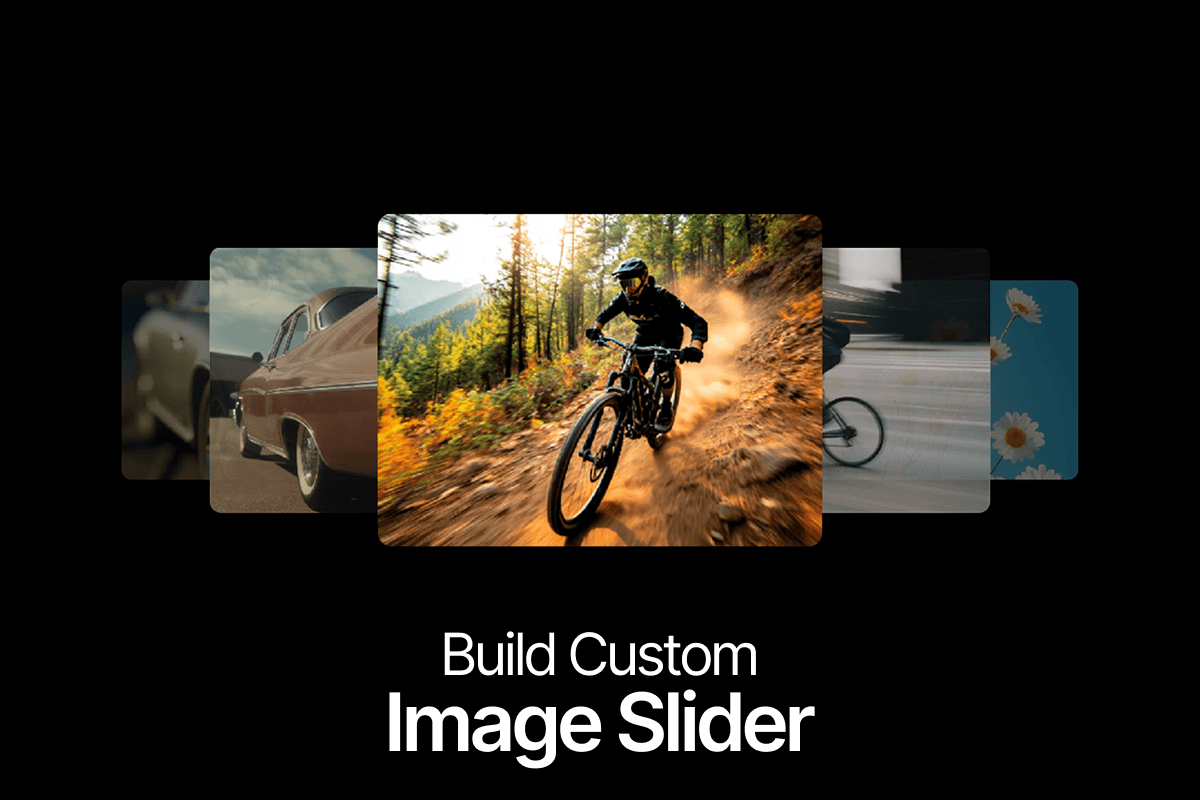
Build a Custom Image Slider in Framer

Learn how to create a custom image slider in Framer without writing a single line of code. In this step-by-step tutorial, we'll build an interactive slider from scratch using Framer's built-in tools, with custom image positioning, smooth transitions, and a seamless looping effect.

Rather than relying on pre-built slider components, you'll learn how to create the interaction yourself and understand how each part works. We'll set up multiple variants, control the position of each image, and configure the transitions to create a continuous sliding experience.

What You'll Build

A fully interactive image slider with smooth transitions and a looping animation. The finished component can be customized with your own images and reused across different sections of your Framer website.

What You'll Learn

  • How to structure a custom image slider in Framer
  • How to use component variants to control image positions
  • How to create smooth transitions between images
  • How to configure the slider for a continuous looping effect
  • How to adjust the layout for mobile screens

By the end of this tutorial, you'll have a reusable image slider component that you can customize and add to your own Framer projects.
Keep learning with more step by step Framer videos. Pick one and build along.

Still exploring? There's more to discover in our tutorial collection.

View All Tutorials

One Purchase. Lifetime Access.

Get everything you need without worrying about monthly payments.

Frequently Asked Questions

Everything you need to know about licensing, updates, and using Cycloto templates.

Do I need a Framer subscription to use your templates?

No. You can remix and customize any Cycloto template with a free Framer account. To publish it on your own domain, you’ll need a Framer site plan.

Can I use the templates for client projects?

Yes. All purchases include commercial usage rights, so you can use them for your own business or for client websites. A single template or component covers one website. All Access covers unlimited websites.

Is this a one-time payment?

Yes. Every product is a one-time payment. There are no recurring fees or subscriptions.

Do I get free updates after purchasing?

Yes. You’ll receive free updates for the template or component you purchased.

What’s included in the All Access package?

All Access includes every Cycloto template and component, along with their Framer remix links. Future releases are included at no extra cost.

New templates every month

Remix it. Launch it. Stand out.

Get first access to new Framer templates, plus subscriber-only discounts and free resources.

  • Early accessBe the first to see every new template before it goes public.
  • Subscriber-only offersLaunch discounts and deals that never get posted publicly.
  • Free Framer resourcesTips, tutorials, and freebies you can use in your own projects.
Join the Cycloto list

Get updates and offers

New releases, straight to your inbox.

No spam. Unsubscribe anytime